
Fixing Sipeed NanoKVM Pro HDMI Capture Issues on Ubuntu
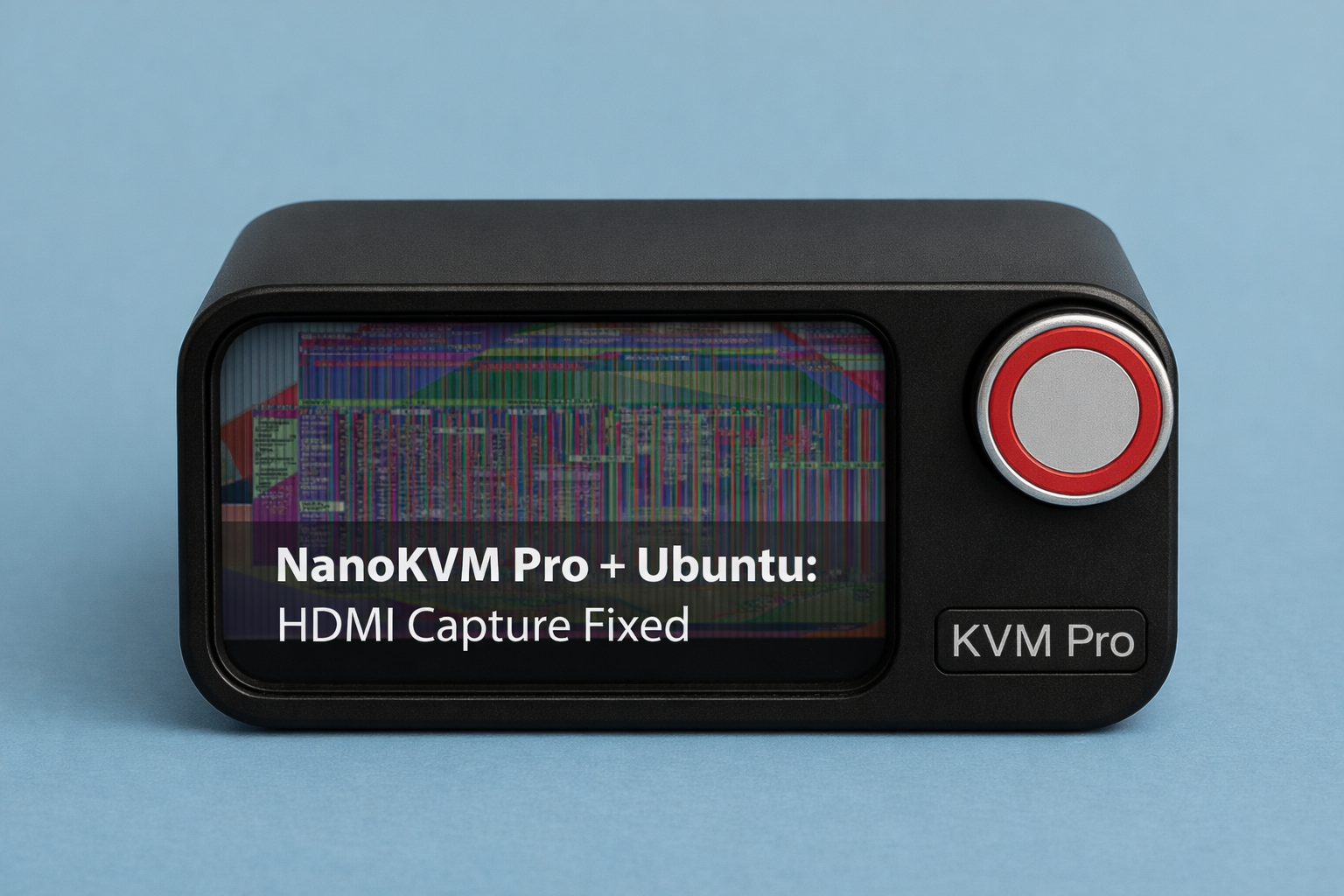
This guide shows the Sipeed NanoKVM Pro Ubuntu HDMI capture fix I used to resolve blank web preview, wrong negotiated resolutions, and heavy artifacting.
If you’re using a Sipeed NanoKVM Pro with Ubuntu and an Intel iGPU (on a Radxa X4), you may encounter a frustrating issue specifically with a HDMI-passthrough setup whereby:
- HDMI passthrough works
- The NanoKVM mini preview (1.47″ screen) shows the desktop
- But the web UI video is blank, corrupted, or mis-scaled
- Ultrawide resolutions (e.g. 3440×1440) are detected incorrectly
- Colors look washed out or suddenly “snap” to high contrast
This guide explains why this happens, how to identify the root cause, and the exact fix — no EDID hacks, kernel patches, or cable swaps required.
❗ Problem Symptoms
On Ubuntu 24.04 with Intel Alder Lake-N on the Radxa X4 in my case, (i915 driver), NanoKVM Pro users may see:
- Incorrect input resolutions reported by NanoKVM’s built in KVM-HUD:
3440×1440 → 5160×14401920×1080 → 2880×1080
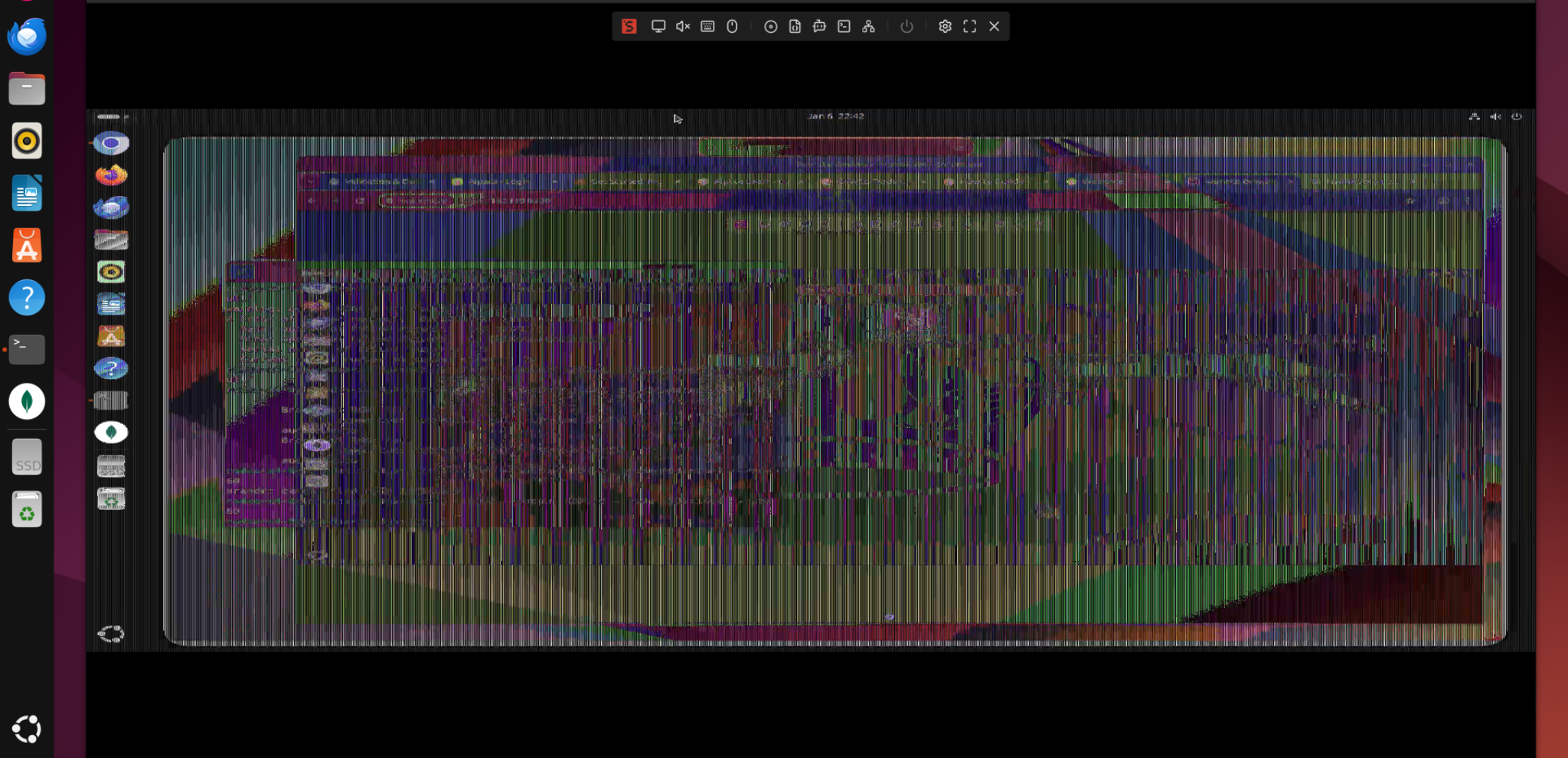
- Blank or heavily corrupted web UI capture (ie. Artifacting)
- HDMI passthrough to the monitor works normally
- NanoKVM’s built-in HDMI preview works, but browser view does not
- Subtle washed-out colors that suddenly change after running
xrandr - Same hardware works perfectly on Windows
Rolling NanoKVM firmware forward or backward alone does not reliably fix the issue. Flashing of the NanoKVM-Pro Firmware to 1.09 (base) + 1.2.2 (app) did not solve the issue and it had persisted on the updated 1.2.8 and 1.2.9-early-release app as well. Using common negotiation resolutions like 1920×1080 60Hz did not resolve the issue reliably (with passthrough).
🔍 Root Cause (What’s Really Happening)
This is not a firmware bug, EDID corruption, power issue, or bad HDMI cable.
The real issue is HDMI signal format negotiation.
On Ubuntu, Intel’s i915 driver may output:
- 10–12 bit color depth
- YCbCr or HDR-related colorspaces
- Dynamic RGB range (Limited vs Full)
These formats are valid for monitors, but are embedded HDMI capture pipelines (like NanoKVM’s encoder) may misinterpret them, which ends up resulting in:
- Incorrect pixel stride
- Fake “wide” resolutions
- Broken or blank web streams
- Color distortion
This explains why:
- Passthrough works but capture fails
- Mini preview works but web UI doesn’t
- Windows behaves correctly (more conservative defaults)
✅ The Solution
(NanoKVM Pro Ubuntu HDMI capture fix)
Force Ubuntu to output a simple, capture-safe HDMI signal.
Step 1: Identify the active NanoKVM Pro Ubuntu capture output
xrandr | grep " connected"
Example output:
HDMI-2 connected primary
⚠️ Apply settings only to the connected output.
Step 2: Force safe HDMI signal parameters
xrandr --output HDMI-2 --set "Broadcast RGB" "Full"
xrandr --output HDMI-2 --set "max bpc" 8
xrandr --output HDMI-2 --set "Colorspace" "Default"
What this does:
- Forces RGB Full (no YCbCr ambiguity)
- Locks color depth to 8-bit (safe for capture)
- Disables advanced colorspace negotiation
Step 3: Set your target resolution
xrandr --output HDMI-2 --mode 3440x1440 --rate 60
Step 4 (Optional): Verify at DRM/kernel level
sudo apt install libdrm-tests
modetest -c | sed -n '/HDMI-A-2/,+40p'
Confirm:
Broadcast RGB: Fullmax bpc: 8Colorspace: Default- Correct modes listed (3440×1440@60)
This confirms the fix is real, not cosmetic.
🎉 Final Result
After applying the above:
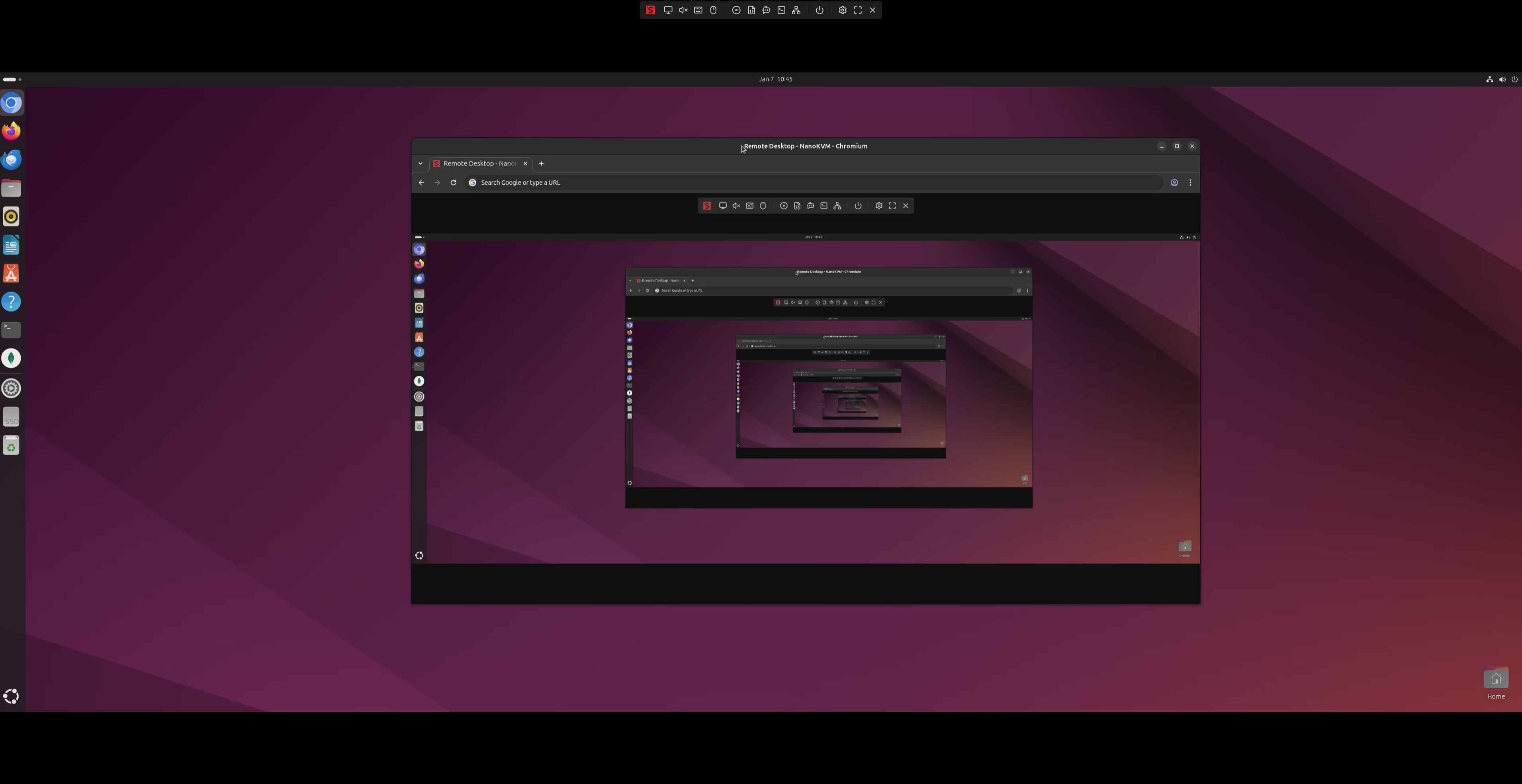
- NanoKVM correctly detects 3440×1440
- HDMI passthrough works
- Web UI capture works
- No artifacting
- No washed-out colors
- NanoKVM Pro firmware 1.2.8 works correctly
No EDID overrides. Avoid kernel tweaks. Skip testing hardware changes.
💡 Why this NanoKVM ubuntu capture fix works
Monitors are forgiving.
Capture devices are not.
By forcing a standards-safe HDMI output, Ubuntu stops sending formats that confuse the NanoKVM capture encoder — fixing all symptoms at once.
🔁 Recommendation
Make these xrandr commands persistent (e.g. via a login script or systemd user service) if you run headless or reboot often.
🏁 Conclusion
If you’re using Ubuntu + Intel iGPU + NanoKVM Pro:
Never rely on HDMI “Auto” when capture hardware is involved.
By explicitly controlling color depth and colorspace accordingly, this would be the difference between a broken web UI and a rock-solid IP-KVM setup.
Once you have resolved the display issues, you can even consider setting up Zerotier and TailScale on the NanoKVM Pro for global secure remote access. See our helpful Zerotier Guide!
Helpful Sipeed Links:
Sipeed Nano Kvm Wiki
NanoKVM Pro Github Issue Page
NanoKVM Pro Discussion Forum
🆕 Ubuntu 26.04 LTS / Wayland Update
Update: On Ubuntu 26.04 LTS, GNOME runs under Wayland and the original
xrandr --setcommands may fail withBadName, even though the Inteli915driver still exposes the same HDMI controls at DRM/KMS level.
The fix is still the same in principle: force RGB Full + 8 bpc + ~60 Hz. The difference is that the settings now need to be applied through GNOME/Mutter rather than XRandR.
Stage 1: Confirm the Wayland/DRM state
Check the session and available modes:
echo "$XDG_SESSION_TYPE"
gdctl show -m
For my 3440×1440 setup, the correct mode was:
3440x1440@59.999
You can also verify the underlying Intel HDMI properties with:
sudo apt install -y libdrm-tests

sudo modetest -M i915 -c |
sed -n '/HDMI-A-2/,+140p' |
grep -Ei -A4 -B2 'Broadcast RGB|max bpc|Colorspace'
Before the fix, my system showed:
Broadcast RGB = Automatic
Colorspace    = Default
max bpc       = 12
Stage 2: Apply the Ubuntu 26.04 fix
Replace HDMI-2 and the mode below if your gdctl show -m output differs.
# Force the correct resolution and RGB Full through GNOME/Mutter
gdctl set -P \
  --logical-monitor \
  --primary \
  --monitor HDMI-2 \
  --mode '3440x1440@59.999' \
  --rgb-range full

# Back up Mutter's persistent monitor configuration
cp -a ~/.config/monitors.xml \
      ~/.config/monitors.xml.pre-nanokvm-fix

# Force 8-bit output in the configuration just created
python3 - <<'PY'
from pathlib import Path

p = Path.home() / ".config" / "monitors.xml"
text = p.read_text()

old = """        <mode>
          <width>3440</width>
          <height>1440</height>
          <rate>59.999</rate>
        </mode>
        <rgbrange>full</rgbrange>"""

new = """        <mode>
          <width>3440</width>
          <height>1440</height>
          <rate>59.999</rate>
        </mode>
        <maxbpc>8</maxbpc>
        <rgbrange>full</rgbrange>"""

if text.count(old) != 1:
    raise SystemExit(
        "Expected exactly one matching monitor configuration; no changes made."
    )

p.write_text(text.replace(old, new, 1))
print("NanoKVM HDMI fix written successfully.")
PY

sync
sudo reboot
After reboot, verify:
gdctl show -p

sudo modetest -M i915 -c |
sed -n '/HDMI-A-2/,+140p' |
grep -Ei -A4 -B2 'Broadcast RGB|max bpc|Colorspace'
The desired result is:
3440x1440 @ ~60 Hz
Broadcast RGB = Full
Colorspace    = Default
max bpc       = 8
After applying this on Ubuntu 26.04 LTS, the NanoKVM Pro once again detected the ultrawide 3440×1440 resolution correctly and HDMI capture operated normally.
Why the old command no longer works
Under Ubuntu 24.04/XRandR, these settings could be applied directly using:
xrandr --output HDMI-2 --set "Broadcast RGB" "Full"
xrandr --output HDMI-2 --set "max bpc" 8
xrandr --output HDMI-2 --set "Colorspace" "Default"
On Ubuntu 26.04/Wayland, xrandr sees an emulated RANDR interface and those connector properties are no longer exposed there. The underlying i915 DRM properties still exist; GNOME/Mutter now needs to control them instead.
In short: the NanoKVM workaround has not fundamentally changed — only the Linux display-control layer has.